Target Display Mode explained, and why it died
For a few years an iMac could be a plain monitor for another Mac with one cable and Command-F2. Here is exactly who can still use it, in Apple's own words, and what to do if you can't.
Encore team · · 4 min read
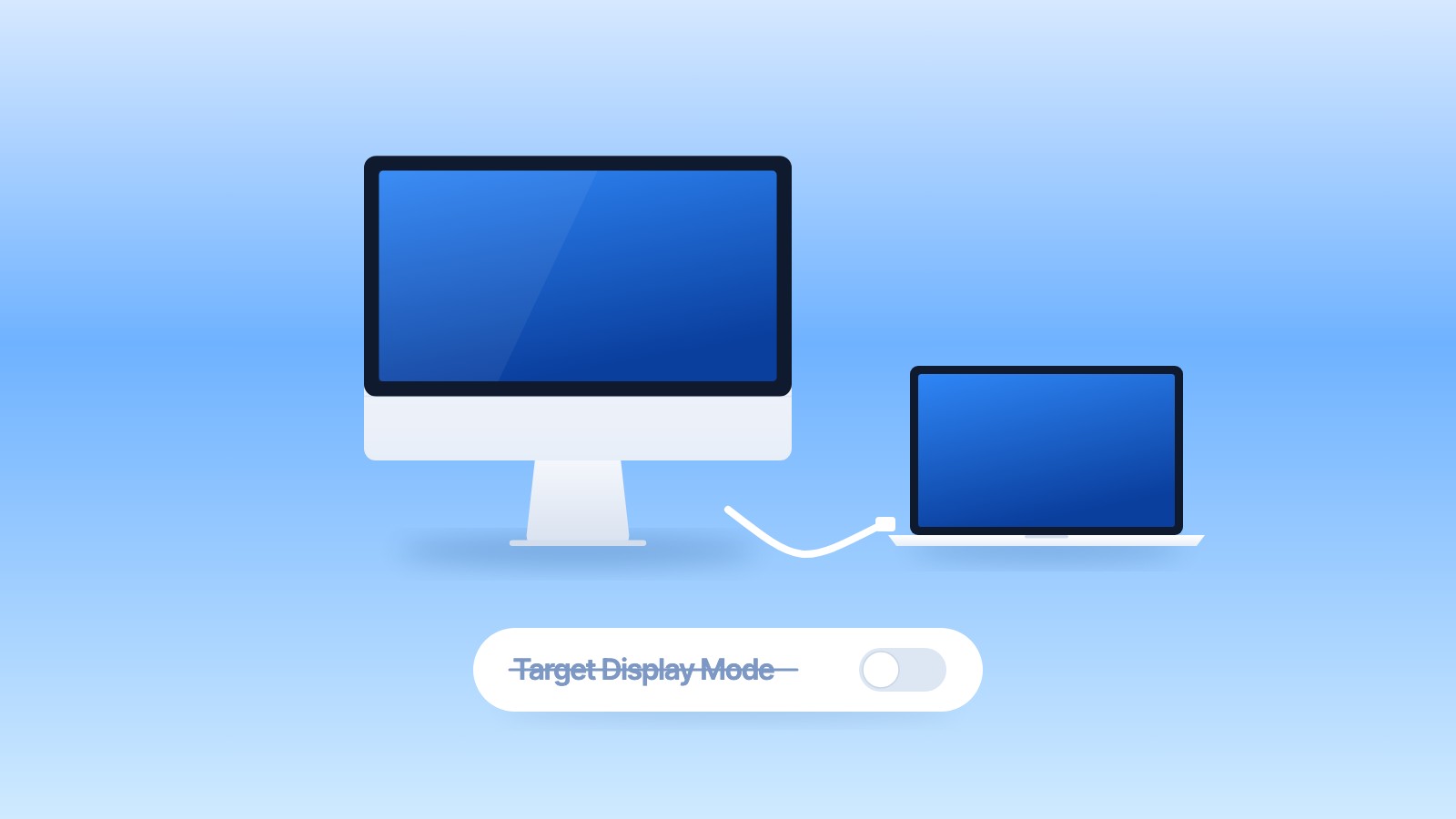
Target Display Mode lets certain iMacs from 2009 to Mid 2014 act as an external display for another Mac, over a Thunderbolt or Mini DisplayPort cable. It only works when the iMac still runs macOS High Sierra 10.13.6 or earlier and the other Mac is from 2019 or earlier on macOS Catalina 10.15.8 or earlier. That last rule means no Mac sold from 2020 onward, and no Mac with Apple silicon, can use any iMac in Target Display Mode.
What Target Display Mode was
You connected two Macs with a cable and pressed Command-F2 on the iMac's keyboard. The iMac stopped showing its own desktop and showed the other Mac's instead, like any external monitor. Press Command-F2 again and the iMac was itself again. The iMac's speakers could play the other Mac's sound, chosen in Sound settings on that Mac.
It was a neat trick, and for a while it was the official answer to "can my iMac be a monitor?"
The exact rules, in Apple's words
Apple's support page, Use iMac as a display with target display mode, lists three requirements.
For the iMac used as a display:
Any iMac introduced in 2011, 2012, 2013, or mid 2014 using macOS High Sierra 10.13.6 or earlier. When using these iMac models as a display, the cable connecting the two Mac computers must be a Thunderbolt or Thunderbolt 2 cable.
Any 24-inch or 27-inch iMac model introduced in 2009 or 2010 using macOS High Sierra 10.13.6 or earlier. When using these iMac models as a display, the cable connecting the two Mac computers must be a Mini DisplayPort cable.
And for the Mac that connects:
Any Mac introduced in 2019 or earlier using macOS Catalina 10.15.8 or earlier. Target display mode does not support Boot Camp or Windows.
The same page adds that the other Mac can't use the iMac's camera or ports.
What that means in practice
| iMac | Target Display Mode | Cable |
|---|---|---|
| 24-inch, early 2009 | Yes, per Apple's list | Mini DisplayPort |
| 21.5-inch, Late 2009 and 2010 | No | |
| 27-inch, Late 2009 and 2010 | Yes | Mini DisplayPort |
| All 2011 models | Yes | Thunderbolt |
| All 2012 and 2013 models | Yes, if still on High Sierra or earlier | Thunderbolt |
| 21.5-inch, Mid 2014 | Yes, if still on High Sierra or earlier | Thunderbolt 2 |
| 27-inch Retina 5K, Late 2014, and every later iMac | No |
Three things trip people up:
- The iMac's own macOS. A 2012 or 2013 iMac that was updated to Mojave or Catalina is outside the rule, even though the hardware is the same.
- The connecting Mac. A MacBook Air or Mac mini with Apple silicon is never on the list. Neither is any Intel Mac introduced after 2019, nor one updated past Catalina.
- Adapters and docks. Plugable, a dock maker, says its docks and adapters do not pass Target Display Mode. The two Macs need a direct cable.
Why it died
Apple has never said why. What is on record: the 27-inch Retina 5K iMac from Late 2014 did not support Target Display Mode, no later iMac did either, and Apple's page caps the connecting Mac at 2019 and Catalina. So the feature was never removed with an announcement. It simply stopped being included, and today's Macs fall outside it.
How to use it, if your setup qualifies
- Check both Macs against the table above.
- Connect them with a Thunderbolt or Mini DisplayPort cable, as listed.
- Make sure you are logged in on the Mac that connects.
- Press Command-F2 on the iMac. If the function keys are set as standard keys, press Command-Fn-F2.
If nothing happens, Apple suggests restarting both Macs, logging out of the iMac and trying again from the login window, or using the keyboard that came with the iMac: some third-party and older Apple keyboards don't send the shortcut.
What still works with a Mac from 2020 or later
With a Mac you can buy today, Target Display Mode is off the table, whatever the iMac. What remains:
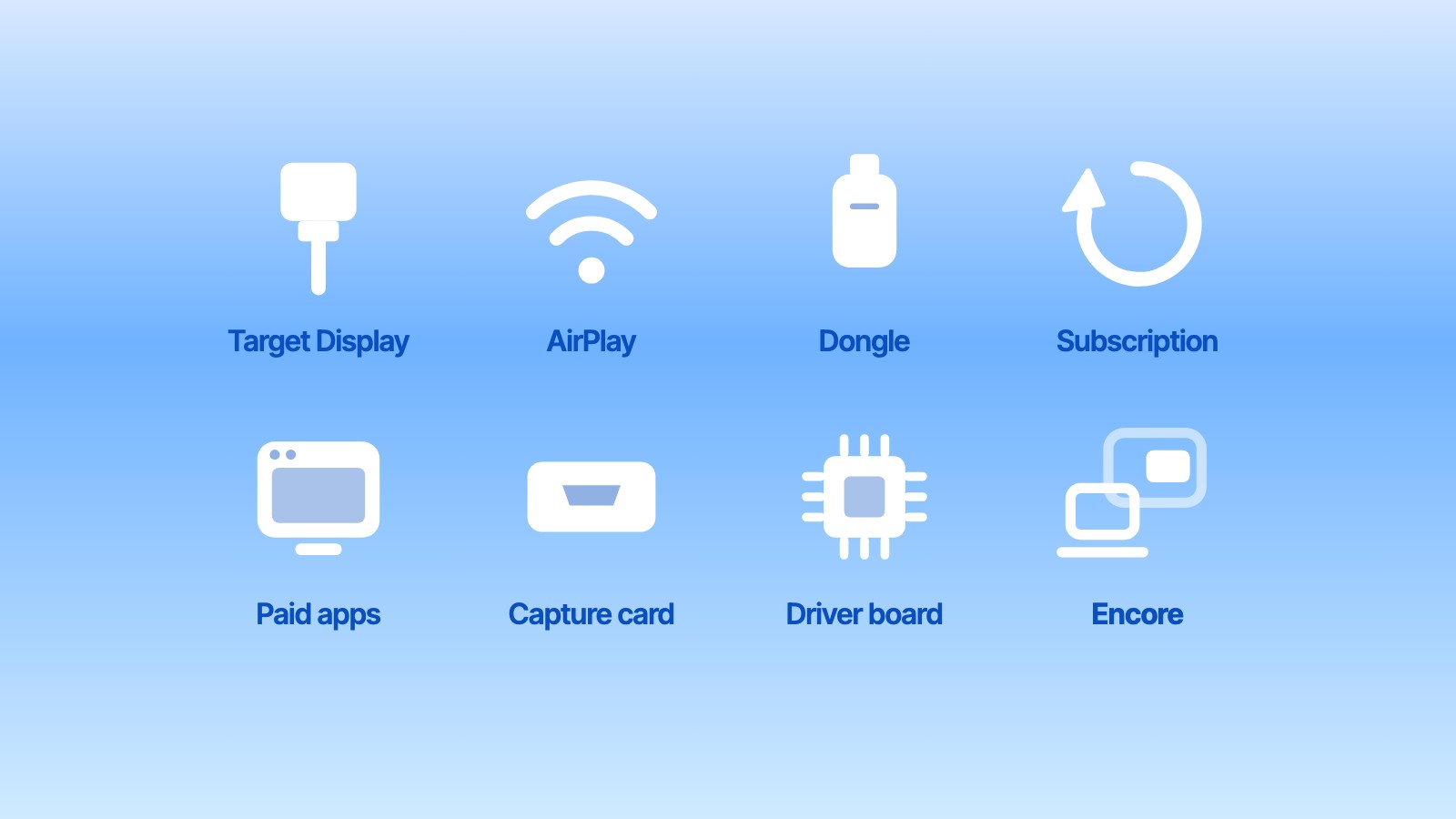
- Software over the network or a cable. Encore is free and works with every Intel iMac from Late 2009 to 2020 (and 2007 to Early 2009 with Encore Receiver Legacy), over Wi‑Fi, Gigabit Ethernet or Thunderbolt, with any Mac on macOS 14 or later. Paid apps exist too, each with its own iMac range.
- AirPlay to Mac, if the iMac is from 2019 or later and runs macOS 12 Monterey or later.
- Hardware routes, such as a capture card or replacing the iMac's insides with a display driver board.
We compared all of them, with sources and where each one wins, in every way to use an old iMac as a monitor. To see what your model can do, start with the year-by-year guide or the compatibility page.
Does Target Display Mode work with an M1, M2, M3 or M4 Mac?
No. Apple requires the connecting Mac to be introduced in 2019 or earlier and to run macOS Catalina 10.15.8 or earlier. Every Mac with Apple silicon is newer than that.
Which iMacs support Target Display Mode?
The 24-inch and 27-inch iMacs from 2009 and 2010 over Mini DisplayPort, and every iMac from 2011, 2012, 2013 and the Mid 2014 21.5-inch over Thunderbolt, as long as the iMac runs High Sierra 10.13.6 or earlier.
Does the 5K iMac have Target Display Mode?
No. No Retina 5K iMac ever supported it, starting with the first one from Late 2014.
Can I use a USB-C to Thunderbolt 2 adapter for Target Display Mode?
The adapter can carry the signal, but the connecting Mac still has to meet Apple's rule: introduced in 2019 or earlier, on Catalina or older. Docks and hubs generally don't pass Target Display Mode.
Is there a free alternative to Target Display Mode?
Yes. Encore is free during early access and turns an Intel iMac from Late 2009 to 2020 into a second screen for any Mac on macOS 14 or later, over Wi‑Fi or a cable.